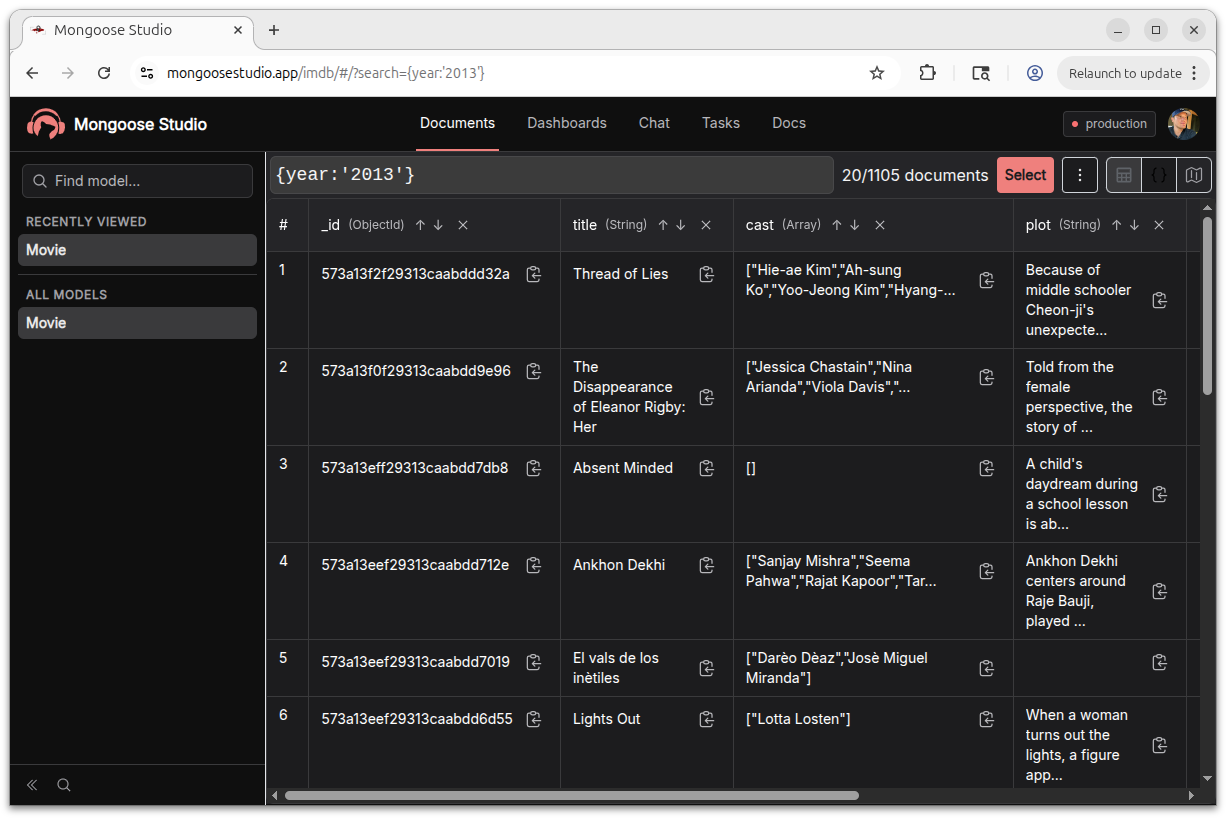
New Projection Selection Interface
Mongoose Studio v0.3.4 introduces a completely redesigned projection selection interface for the models table view. You can now choose exactly which fields to display when browsing documents, rather than viewing every field at once.
When you open a model, Studio suggests the first 6 schema paths by default. Click the projection toggle to open the field picker, where you can add or remove fields with an interactive dropdown that supports autocomplete filtering.
The projection supports both array format (["name", "email"]) and MongoDB-style projection syntax ({"name": 1, "email": 1}), so you can paste projections you already use in your queries.
Projection state is tracked in the URL via a projectionMode query parameter, so you can bookmark or share filtered views.
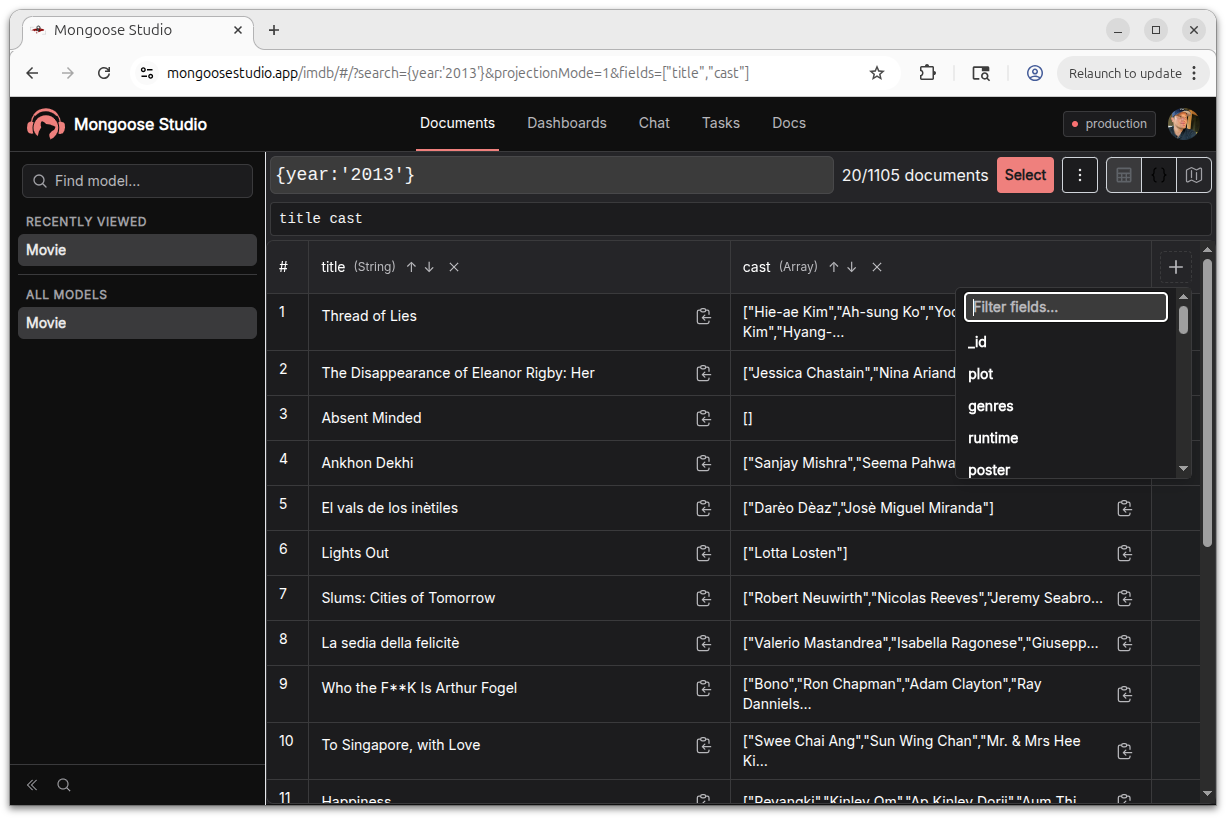
Redesigned Table UI
The models table got a full overhaul in this release.
Key improvements include optional row numbers (toggled via button, persisted in localStorage), better scroll position handling when switching between projections, and a cleaner layout that scales to schemas of any size.